You grab your phone each morning to check the weather. Later, you order coffee without leaving your chair. These quick actions happen through mobile apps. They power most of what you do on your smartphone.
Mobile apps are small software programs built for phones, tablets, and watches. You download them from stores like the Apple App Store or Google Play. Once installed, they let you play games, send emails, track runs, or edit photos. Many work offline. They tap into your device’s camera, GPS, or microphone for extra features.
Apps differ from mobile websites. Sites run in your browser and need internet. Apps install on your phone. They load faster and save your preferences. Think of apps as personal tools in your pocket, not just web pages.
Their story started in the 1980s with basic PDAs. Then, in 2008, app stores changed everything. Apple and Google opened shops packed with free and paid options. By March 2026, billions of people worldwide rely on them daily. Downloads hit record highs, especially for games.
This guide covers app types, popular categories, install steps, and safe use tips. You’ll learn to pick the right ones and avoid common pitfalls. Ready to make your phone work harder for you?
The Different Types of Mobile Apps and How They Work
Apps come in three main flavors. Each suits different needs based on speed, cost, and features. Native apps build for one platform, like iOS or Android. They run smooth and access full hardware power. Web apps live in your browser. No install needed, but they require internet. Hybrid apps mix web code inside a native shell. Developers use one codebase for both platforms.
When you install an app, it saves to your device’s memory. It talks to the phone’s system for notifications or sensors. For example, a fitness app reads your heart rate from a watch.
Major platforms drive this world. iOS powers Apple gear with tight security. Android runs on most phones worldwide.
Native Apps vs. Web and Hybrid Options
Native apps shine in performance. Instagram uses native code. It scrolls buttery smooth and grabs your camera fast. Downside? Developers code separate versions for iOS and Android. That costs more time and money.
Web apps skip downloads. Open Gmail in Chrome, and it works. However, they lag on heavy tasks. Plus, no offline mode unless designed smart.
Hybrid apps save effort. They wrap web tech in a native app. Some games use this for quick cross-platform releases. Speed falls short of native, but updates roll out easy. For a detailed breakdown of web vs native vs hybrid apps, check this guide.
In short, pick native for top speed. Go hybrid to reach more users cheap.
Key Platforms Powering Apps Today
iOS leads Apple devices. Developers use Swift. The App Store checks every app for safety.
Android dominates with Java or Kotlin. Google Play offers millions of choices. It runs on phones, foldables, and watches.
Others pop up too. Huawei’s HarmonyOS grows fast, especially in Asia.
Each platform shapes apps. iOS feels premium. Android gives freedom.
| Platform | Main Devices | Key Language | Store |
|---|---|---|---|
| iOS | iPhone, iPad, Watch | Swift | App Store |
| Android | Phones, tablets, foldables | Kotlin/Java | Google Play |
| HarmonyOS | Huawei gear | HarmonyOS languages | AppGallery |
This table shows why apps match your phone.
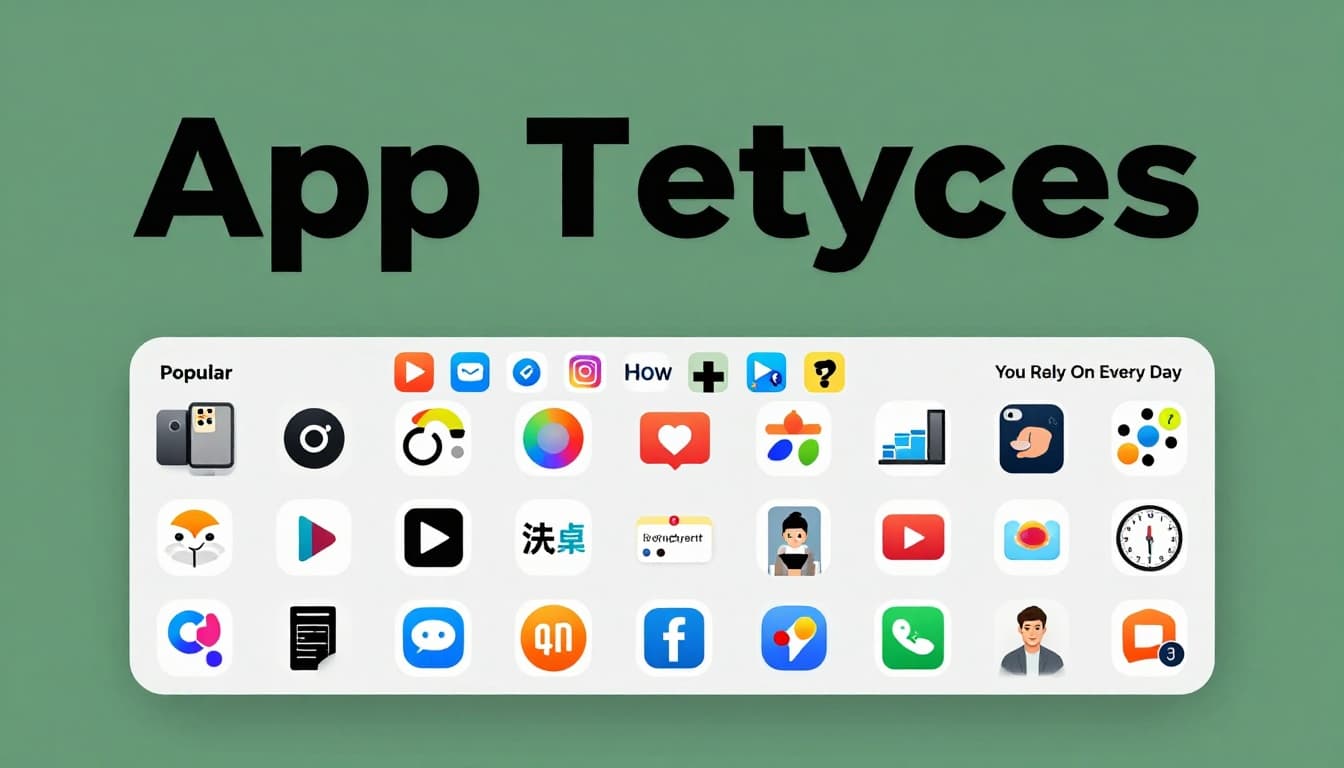
Popular Mobile App Categories You Rely On Every Day
You use apps without thinking. Social ones like Instagram keep you connected. E-commerce giants like Amazon deliver packages. Gaming tops downloads at 30% worldwide in early 2026. Entertainment follows close.
Productivity tools boost work. Finance apps track spending. On-demand services handle rides and food. Navigation apps guide you. Photo editors fix selfies.
Trends heat up too. AI personalizes chats. AR lets you try clothes virtually.
| Category | Global Share | Top US Examples |
|---|---|---|
| Games | 30.8% | Candy Crush, Roblox |
| Entertainment | 9.0% | TikTok, Netflix |
| Finance | 6.1% | Venmo, Cash App |
| Shopping | 5.2% | Amazon, Shopify |
| Productivity | 5.3% | Google Docs, Notion |
Games lead US downloads too. Social apps rank high by reach.
Standout Health, Fitness, and Entertainment Apps
Health apps boom. Strava tracks runs for athletes. MyFitnessPal logs meals free. Headspace guides meditation. Calm soothes stress. Nike Training Club offers beginner workouts at no cost.
Entertainment pulls crowds. TikTok feeds endless videos. Streaming like Netflix packs shows.
Food delivery fits here. DoorDash brings meals fast. Instacart shops groceries.
These apps blend into routines. They track progress and motivate.
Rising Stars: AI, AR, and All-in-One Super Apps
AI changes everything. ChatGPT apps suggest workouts based on your data. Gemini personalizes music.
AR overlays digital on real life. Shoppers try furniture in rooms via IKEA’s app.
Super apps bundle services. Asia’s WeChat does chats, payments, rides. US versions grow, mixing AI for one-stop shops.
By 2026, edge AI runs local for privacy. These trends make apps smarter daily.
Step-by-Step Guide to Finding and Installing Apps on iPhone or Android
Start with your store app. Search or browse. Tap to download. You’ll need an account.
First-timers set up Apple ID or Google account. Wi-Fi speeds things up.
On launch, grant permissions wisely.
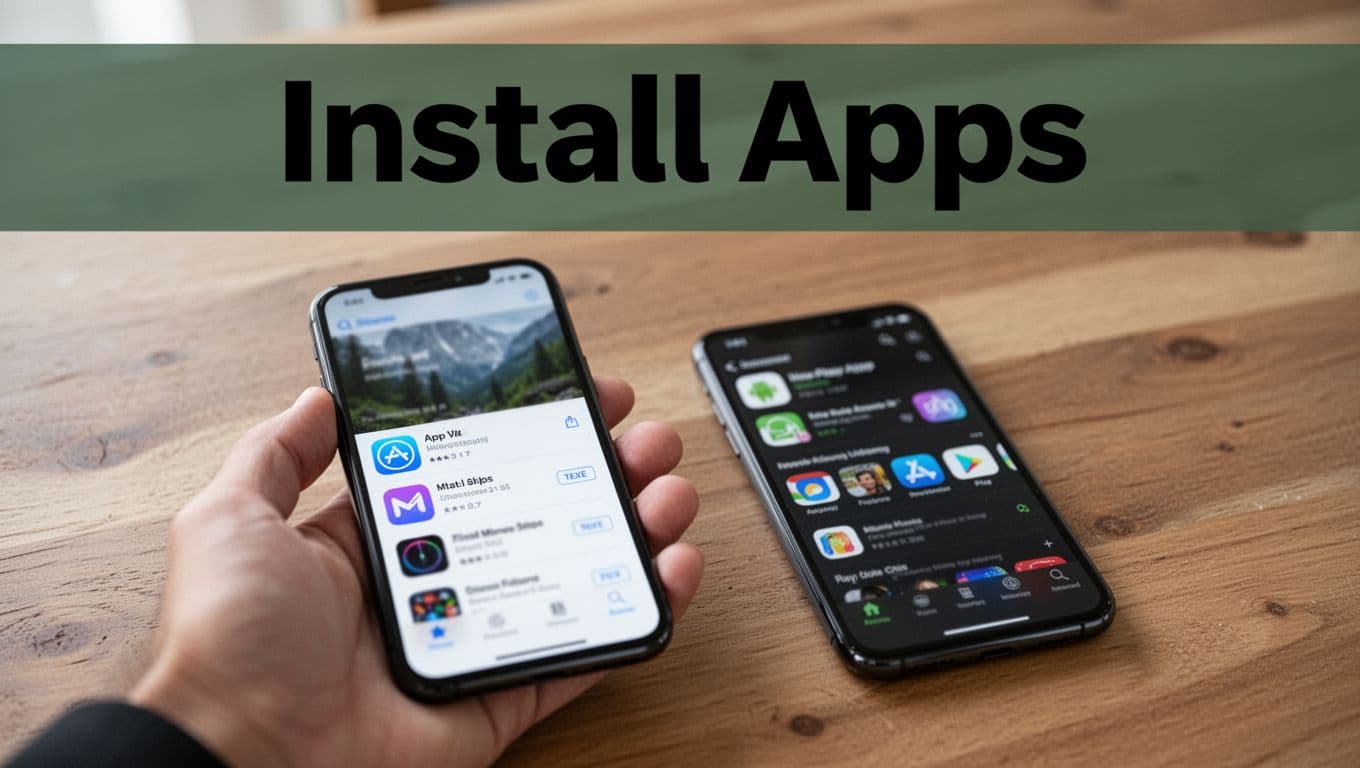
Downloading Apps on iPhone and iPad via App Store
Follow these steps:
- Open the App Store icon.
- Use Spotlight search or tabs like Today, Games.
- Type your app name. Tap it.
- Hit Get or price. Confirm with Face ID.
- Find it on home screen. For Apple’s full guide to downloading apps, visit support.
Manage updates in profile. Enable auto-updates in Settings.
Getting Apps on Android Phones from Google Play
Simple process here:
- Launch Play Store from app drawer.
- Tap search icon.
- Enter app. Select it.
- Tap Install. Review permissions.
- Open from drawer.
Check updates in profile > Manage. Set auto in Settings.
Both need storage space. Updates keep apps fresh.
Smart Ways to Use Apps Without Risks or Hassles
Download from official stores only. Read reviews. Check developer history.
Review permissions often. Deny extras like camera for a flashlight app.
Spot scams by urgency or odd links. Use two-factor auth.
Save battery by closing background apps. Clear storage caches.

Handling Permissions and Spotting Scams
Permissions control access. Go to Settings > Apps > Permissions. Revoke unneeded ones.
Weather apps don’t need contacts. Deny them.
Scams mimic banks. Ignore texts pushing links. Banks add app shields.
This keeps data safe.
Tips to Save Battery Life and Free Up Storage
Background apps drain power. Swipe up to close.
Check battery settings for culprits. Limit location always-on.
For storage, clear app caches. Delete unused ones. Offload to cloud.
Review monthly. Your phone runs smoother.
Apps make life easy when handled right.
Mobile apps power your phone from games to fitness trackers. You now know types like native and hybrid, top categories led by games, install steps for App Store or Play, plus safety tricks.
Explore new ones safely. Try an AI fitness app today. Share your favorite in comments below. What app can’t you live without?