You get a text about a delayed package. It urges you to download a tracking app right now. Your finger hovers over the link. In March 2026, these smishing attacks beat email scams as the top mobile threat. Scammers use AI to craft texts that look real, pushing fake apps that steal your data or money.
US consumers lost $12.5 billion to fraud in 2024, with impersonation scams like smishing hitting $2.95 billion. Reports predict online scams will nearly double this year because AI makes fakes harder to spot. Guardio blocked 1.5 times more scam texts in late 2025 than before. These tricks often start with texts from fake banks or delivery services, leading to trojan apps.
Phones make us trust messages more than emails. We check them constantly. Scammers know this. They mix texts with AI deepfake calls or QR codes. This post shows you how to spot red flags, build safe download habits, and act fast if hit. You will learn simple steps that work against 2026’s AI tricks. Stay safe without stress.
Spot These Common Red Flags in Scam Apps and Fake Downloads
Scammers push fake apps through texts or sites that mimic real ones. They use AI to fix old mistakes like bad spelling. Still, signs stand out if you look close. Recent trends show smishing texts surged, with fake delivery alerts common.
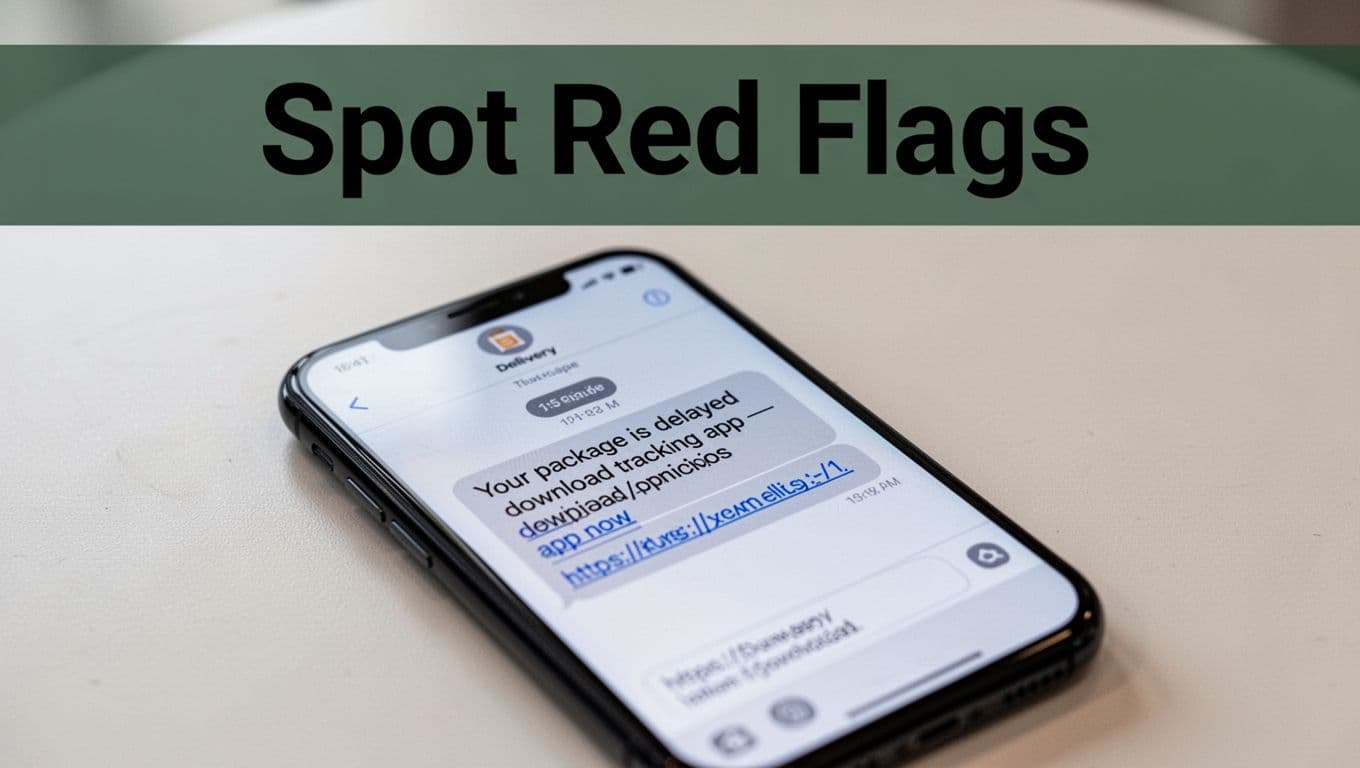
Apps promise free trials that hide subscriptions. Or they ask for odd permissions, like camera access for a flashlight app. Clone sites look like Google Play or the App Store. Always pause and check.
These flags matter because quick clicks lead to malware. For example, ClayRat trojans hid in 600 app versions last year. AI deepfakes add voices that sound like family in emergencies.
Watch for Urgent Messages Pushing Quick Downloads
Texts say “Your account issue needs a new app now” or “Track your package here.” They come from unknown numbers pretending to be USPS or your bank. Pressure builds with words like “act fast” or QR codes.
In 2026, multi-stage attacks start with texts, then WhatsApp links. AI clones voices for follow-up calls. One example mimics Apple Support for a “virus fix” app. Click rates jump four times with personal details from data leaks.
Do not reply or click. Scammers fish for responses. Instead, delete and block. This stops the chain.
Check for Weird Permissions and Hidden Subscriptions
Legit apps need specific access. Scam ones want your contacts, location, or mic for no reason. They sneak in during install.
Free trials turn into charges after days. Read reviews for complaints about billing. AI hides this in fake positive comments.
Before install, tap permissions. Deny extras. If it crashes without them, ditch it. This blocks data theft early.
Look Out for Fake Websites and Impersonators
Sites copy app stores with perfect logos. Search for “free VPN” and top results lead to fakes. They steal logins after download.
Impersonators pose as bosses via text. “Download this app for payroll.” Deepfakes make videos look real. Check URLs for misspellings like “go0gleplay.com.”
Use your browser’s address bar. Look for https and padlock. Still doubt it? Search the app name plus “scam.”
Download Apps and Files the Safe Way Every Time
Safe habits beat most tricks. Stick to basics first. Official stores scan apps better than links from texts.
Google noted fake VPNs spiked in 2025. Side-loaded APKs often carry trojans. Slow down before install.
Verify everything. Updates patch holes scammers use. Antivirus adds scans.
- Search official stores directly. Type “Google Play” or “App Store” yourself.
- Read recent reviews. Sort by newest for scam warnings.
- Check developer. Real ones match the brand site.
These steps work on Android or iPhone. No tech skills needed.
Stick to Trusted App Stores and Direct Links
Download only from Google Play Protect or Apple’s App Store. Avoid third-party sites or email links.
Sideloading skips checks. Scammers love it for malware. Enable Play Protect on Android; it blocks risky installs.
On iOS, stay in the store. No sideloading without jailbreak, which opens doors anyway.
Verify Before You Click or Install Anything
Get urgent texts? Hang up or ignore. Call the company on a known number from their site.
Check sender email or number against official ones. Misspellings scream fake. Scan links with antivirus first.
Pause five minutes. Real issues wait; scams rush you.
Lock Down Your Device with These Quick Settings
Turn on two-factor authentication everywhere. Use app-based codes, not SMS.
Set unique strong passwords. Enable auto-updates for OS and apps.
Review permissions weekly. Revoke unused ones. Install antivirus like Malwarebytes.
These tweaks block 90% of attacks. They take minutes to set.
What to Do If a Scam App Slips Through
It happens. Act in minutes for best recovery. Most damage reverses fast.
Uninstall first. Change passwords next. Monitor banks for charges.
Reports help too. FTC uses them to shut down rings.
You regain control quick. Losses drop if you report.
Remove the App and Secure Your Accounts Fast
Force stop the app in settings. Uninstall it. Clear cache and data.
Run full antivirus scan. Change all passwords from a clean device.
Watch accounts 30 days. Freeze credit if needed via Equifax.
- Go to settings, apps, select suspect.
- Uninstall and clear.
- Restart phone.
This cuts remote access.
Report It to Stop the Scammers
Forward texts to 7726 to block spam.
Report to app stores. Android via Play Protect; iOS in App Store.
File with FTC at ReportFraud.ftc.gov. Or call 1-877-FTC-HELP.
Tell your carrier and bank. FBI IC3 for cyber tips at ic3.gov.
Reports build cases. You help others.
You spot red flags like urgent texts and odd permissions. Safe downloads from official stores keep tricks away. Quick removal and reports fix slips.
Share these tips with family today. Check your phone now. Bookmark this for later. In 2026’s AI scam world, simple habits empower you. Stay one step ahead.
(Word count: 1487)